How to Integrate AI Into Existing Systems
Insights/ AI Strategy & Automation / Workflows & Automation
07 Sept 2023 - 08 min read
Why "AI integration" is mostly about the systems already in production
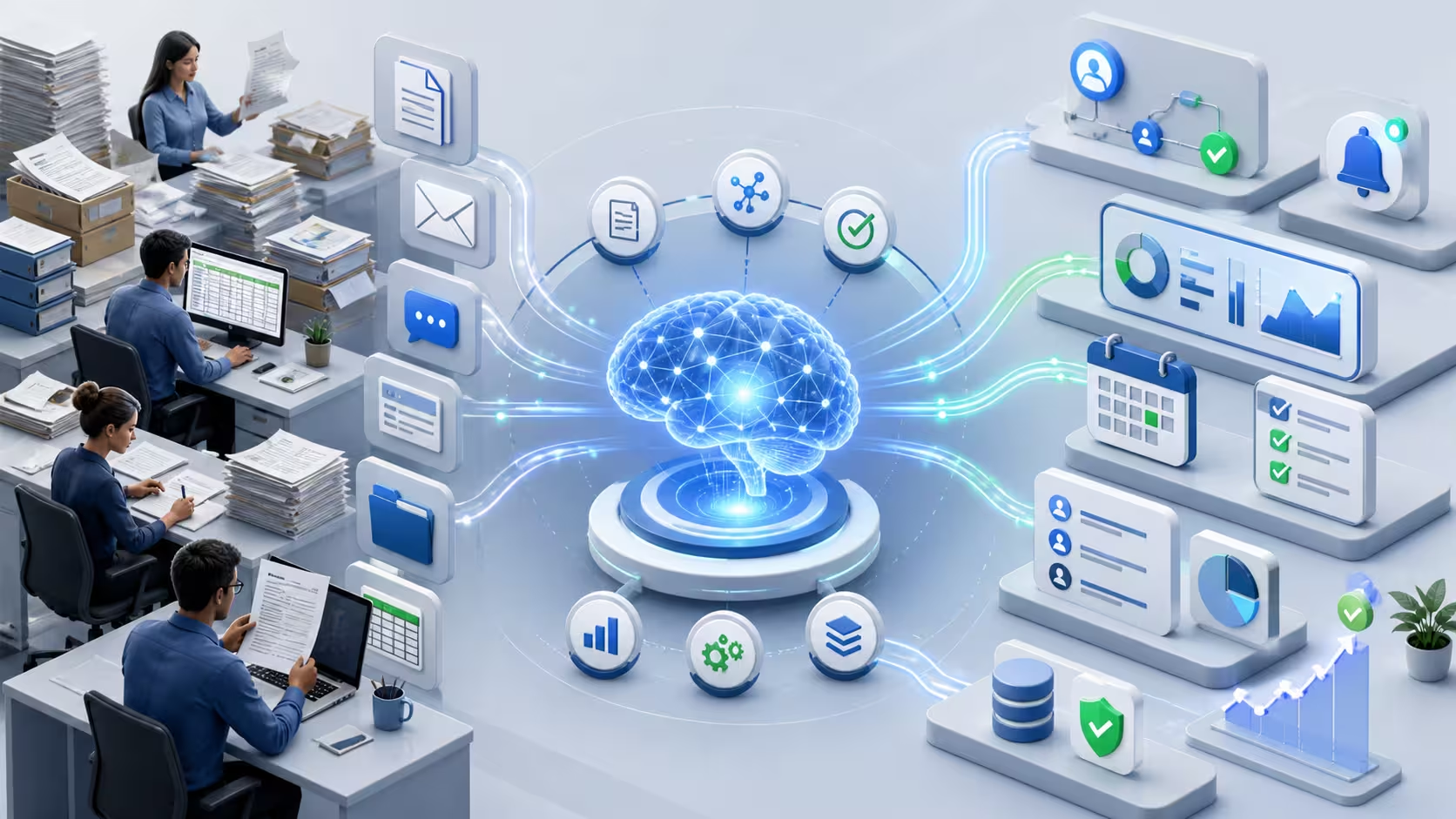
AI rarely goes live in a greenfield. It lands attached to a CRM that someone bought in 2017, an identity system nobody fully understands, an SAP the organisation cannot afford to break, and a workflow the team has years of muscle memory for. The model is the easy part of the project. Almost everything that decides whether the AI feature actually lives in production for more than six months is on the integration side: how it gets called, by which user, with what permissions, how the data flows in and out, what happens when it is slow, what happens when it is wrong.
This article is about that side of the work. It assumes the use case has already cleared selection, the strategy is in place, and the readiness checklist has been run. The question now is the one that is rarely answered well in slide decks: how does this AI feature plug into the existing stack without becoming a parallel system the organisation has to maintain forever, and without breaking the systems that already work.
Where AI plugs into the existing stack: four common patterns
Most AI integrations end up looking like one of four recognisable shapes. Picking the right one early prevents a lot of expensive rework.
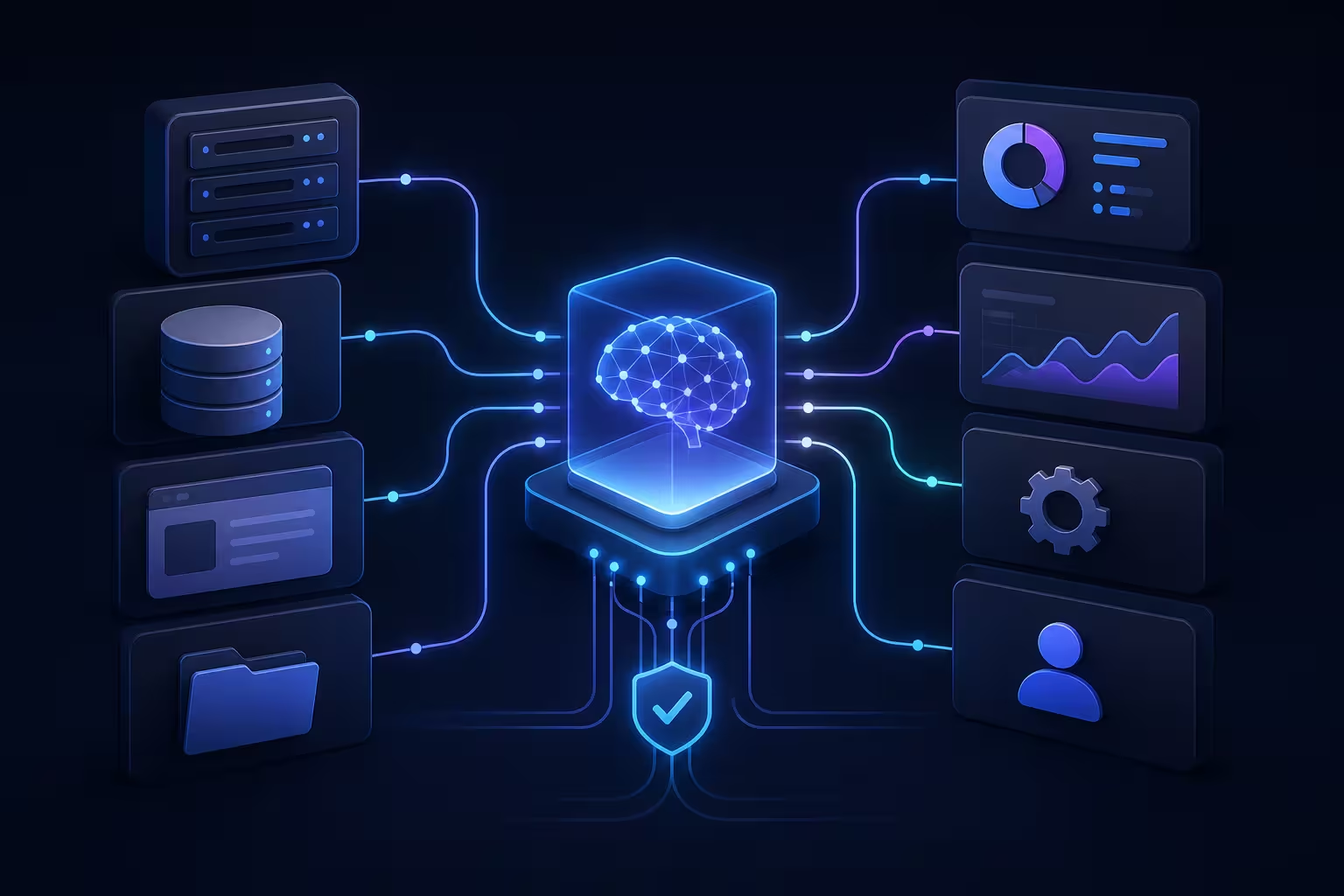
The first pattern is AI as a back-office service called by existing systems. The CRM, the case management tool or the helpdesk calls an AI endpoint, gets a response (a draft, a classification, a summary), and presents it to the user inside the existing UI. The user never sees a separate "AI app". This is the lowest-friction integration and usually the right starting pattern, because adoption rides on the existing tool.
The second is AI as a workflow step in an orchestrator. The existing workflow engine (a BPM tool, an integration platform, an orchestrator like Temporal or Airflow) calls the AI as one step among many, with explicit inputs, outputs, retries and timeouts. This is the right pattern when the AI sits inside a multi-step process where some steps are deterministic and some are probabilistic.
The third is AI as a separate user-facing application that reads from and writes back to the existing systems through APIs. Higher friction (a new tool means new training, new permissions, new monitoring), but sometimes the right answer when the workflow itself is being rethought, not just augmented.
The fourth is AI embedded in a vendor system that already runs in production. Many SaaS vendors are now pushing AI features inside their own platform. The integration question becomes a configuration and governance question (what data is allowed to flow to the vendor's model, on what terms) rather than a build question. This pattern is fast to adopt and slow to undo, so the contractual and data-residency answer matters as much as the technical one.
The wrong move is to pick the pattern based on what is most fashionable. The right move is to pick it based on where the work actually lives, where the user already is, and what the organisation can maintain a year from now.
The constraints the AI demo did not have to think about
A model running in a vendor demo has none of the constraints a model in production has to satisfy. Five of those constraints decide most of the integration design.
Identity and access: who is allowed to call the AI, on whose behalf, with what data scope. The integration has to flow through the same SSO and authorisation model the rest of the stack uses. Bypassing this with a service account that "can do everything" is how data leaks become headlines later.
Data residency and contractual flow: where the data goes when the AI is called. Many models run in a region that does not match the organisation's regulatory commitments. This is a constraint on which model can be used at all for a given workflow, not a detail to resolve after launch. Vendor terms on retention, training and confidentiality are part of the integration design, not a procurement footnote.
Latency and timeouts: AI calls add anywhere from a few hundred milliseconds to tens of seconds to a workflow. If the calling system has a synchronous expectation (a UI waiting for a response, a downstream service with a hard timeout), the integration has to be asynchronous, paginated, or optimistic. Pretending the AI is instantaneous is how user-facing flows become unusable.
Monitoring and observability: the AI integration has to surface the same kind of telemetry the rest of the production stack does (latency, error rate, throughput, by tenant or by workflow), in the same observability tools the on-call team already uses. A separate AI dashboard that nobody on call ever opens is monitoring theatre.
Change windows: in regulated or large enterprise environments, deploying a change to a connected system is not a free action. Integration release cycles are quarterly, not weekly, and AI features piggyback on that cadence. Designing for it (versioning, feature flags, dark launch) saves a lot of escalations later.
These constraints are also where the AI readiness checklist gets enforced in practice: each item on the checklist has an integration design implication, and skipping the integration conversation is how readiness becomes a paper exercise.
Workflow fit: AI inside the existing flow, not replacing it
The most common workflow mistake in AI integration is to redesign the user's flow around the AI rather than fitting the AI into the user's flow. The technical integration may be correct, but the user has to learn a new tool, a new screen, a new place to look, on top of doing the work, and adoption stalls.
Two design choices keep this in check. First, the AI output appears in the same place the user already looks for that kind of information: the case detail page, the email draft window, the search bar, the relevant inbox. Not in a separate "AI assistant" panel that requires a new habit. Second, the user keeps the verbs they already had. They still send the email; the AI just drafted it. They still close the case; the AI just suggested the resolution. Removing the user's verbs and replacing them with "approve the AI's action" tends to feel like a downgrade, even when it saves time.
The AI should change what is on the screen, not where the user has to look or what they have to click to act on it. When this is right, the integration disappears, which is the goal.
Avoiding regression on systems you cannot afford to break
The last constraint is the one most under-discussed in AI articles and most painful in practice: the existing systems still have to work. The CRM still has to handle a million records. The case workflow still has to close cases on time. The reporting pipeline still has to produce the regulator's monthly file.
Three habits make regression less likely. The first is to deploy AI behind a feature flag with a tenant or user scope, so the new behaviour can be enabled gradually and turned off cleanly without redeploying. The second is to run the AI in shadow mode before it is allowed to influence outcomes: it computes its output, the output is logged and compared to what the human or legacy system did, but it does not change the user-facing decision until the comparison shows acceptable accuracy. The third is to own a regression test for the host system that catches when the AI integration breaks something else (e.g. the CRM workflow now fails for a specific case category, the reporting pipeline silently drops the new field, the SSO assertion truncates).
These are not exotic engineering practices. They are the same disciplines mature integration teams already use. Where AI integrations get into trouble is when the AI work is treated as a new and special thing that does not need them.
Final takeaway
AI integration is not a model problem; it is a systems problem with a model attached. The organisations that get measurable value from AI features in production are the ones that treat the integration with the same engineering discipline they would apply to any other change to a CRM, an ERP or a regulated workflow: designed for identity, data residency, latency, monitoring and rollback up front, and fitted to where the user already works.
The wider context, including how integration design connects to AI strategy, governance, readiness and use-case selection, is collected in the AI strategy and automation insights cluster. And when the question moves from "we have an AI feature ready" to "we now need to integrate it into a CRM, an SSO, an ERP and an existing workflow without breaking any of them", that is exactly what my API development and system integration practice is built for.
- Haja Faniry
Related services
API Development & System Integration
API development and system integration services to connect platforms, automate workflows and enable seamless data exchange between applications.
Digital Transformation & Technology Solutions
Digital transformation consulting and technology solutions to automate workflows, modernize digital infrastructure and support organisational growth.